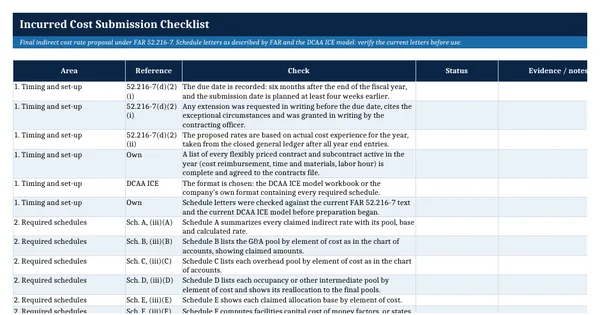
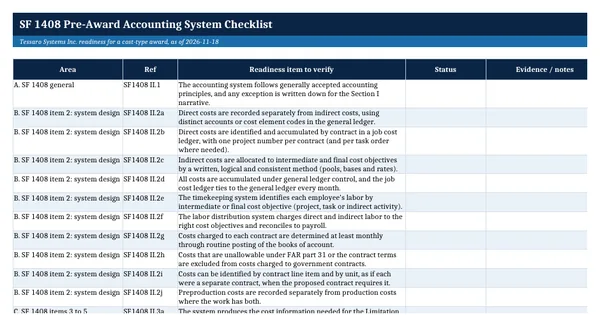
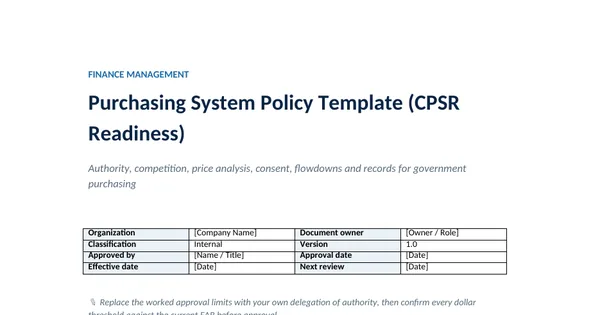
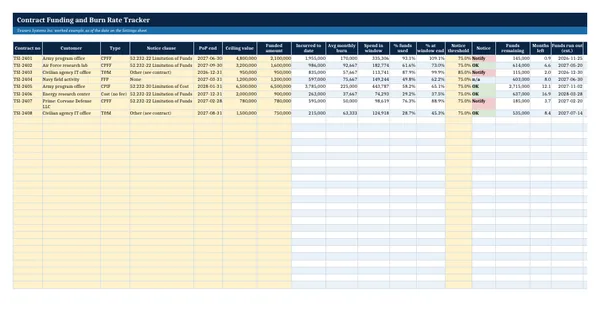
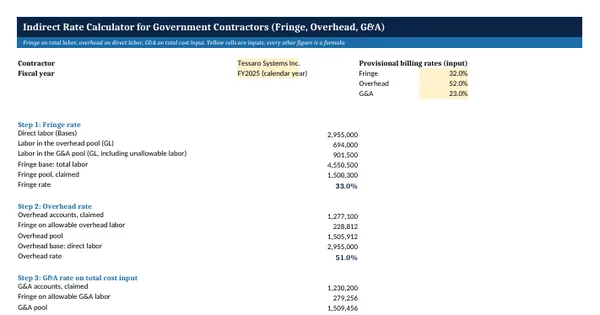
 Excel workbook preview
Indirect Rate Calculator for Government Contractors (Fringe, Overhead, G&A)
3 free downloads per account. Just your email and a 6-digit code.
About this template
Every government contractor with cost type or time and materials work needs indirect rates: the fringe, overhead and general and administrative percentages that turn direct labor into full cost. The rates drive provisional billing, proposals and the final indirect cost rate proposal due six months after year end. Many small contractors compute them in a spreadsheet nobody else can follow. This calculator lays out the pools, bases and rates in the order an auditor reviews them.
Pools list each general ledger account with its unallowable amount removed. Bases list direct costs by contract. Formulas compute a fringe rate on total labor, an overhead rate on direct labor and a G&A rate on total cost input, step fringe into the other pools, and apply the rates to each contract. The approach follows the indirect cost rules in FAR 31.203 and the rate summary required by FAR 52.216-7.
Who it is for
The controller of a small government contractor who must compute fringe, overhead and G&A rates for an incurred cost submission, a proposal or a billing rate request.
What is inside
- Pools sheet with 23 sample general ledger lines in fringe, overhead and G&A, plus 12 blank rows, each with an unallowable amount and FAR reference
- Bases sheet with 5 sample cost objectives and 12 blank rows: direct labor, materials, subcontracts, travel and other direct costs
- Rates sheet that computes fringe on total labor, overhead on direct labor and G&A on total cost input, all live
- Fringe stepped into the overhead and G&A pools on their allowable labor, with a check that the fringe pool is fully absorbed
- Comparison of actual rates with provisional billing rates, as a variance in points
- Cost by Contract sheet that applies the rates to each cost objective and shows the under or over billing on cost type contracts
- Yellow input cells, bold outputs and a How this is calculated note
How to use it
Enter your general ledger pool accounts on the Pools sheet and your direct costs by contract on the Bases sheet, then read the rates on the Rates sheet.
Files
- XLSXindirect-rate-calculator-for-government-contractors.xlsx18 KB
Opens in Microsoft Word or Excel, Google Docs or Sheets, and LibreOffice. Built on free, official texts that anyone can read: laws, regulations, standards and guidance published by public bodies. A template to adapt, not legal, tax or accounting advice.
Questions about this template
How do you calculate an indirect cost rate?
Divide the allowable costs in an indirect cost pool by the allocation base for that pool, for the same period. A fringe rate is fringe costs over total labor, an overhead rate is overhead costs over direct labor and a G&A rate is G&A costs over a base such as total cost input. FAR 31.203 requires the base to allocate costs on the benefits received.
Are unallowable costs removed from the base as well as the pool?
No. Unallowable costs come out of the pools. FAR 31.203 says an accepted allocation base is not fragmented by removing individual elements, so items in the base bear their share of indirect cost whether or not they are accepted as Government contract costs. In this calculator unallowable labor stays in the fringe base and its fringe drops out as unallowable.
What is total cost input?
Total cost input is a common G&A allocation base made up of all production costs of the period: direct labor, the fringe and overhead applied to it, direct materials, subcontracts, travel and other direct costs. It spreads general and administrative expense over the total activity of the business. Some contractors use value added or single element bases instead, which this calculator does not model.