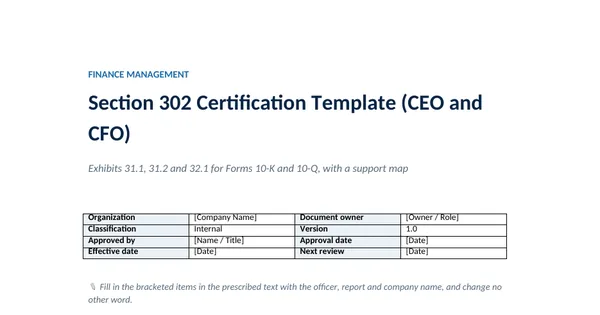
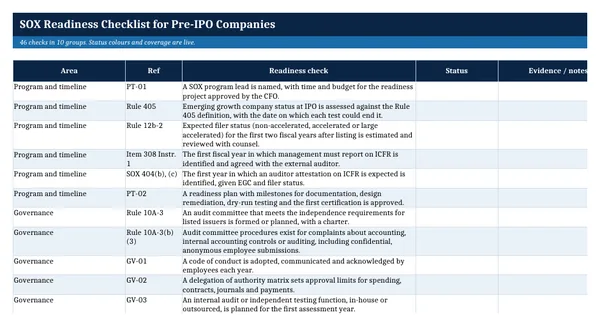
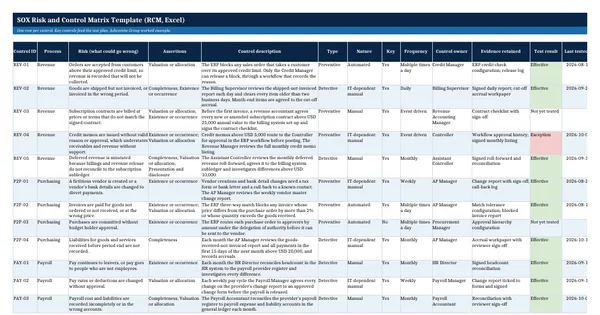
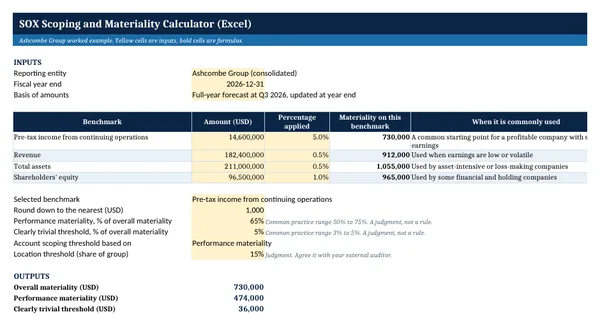
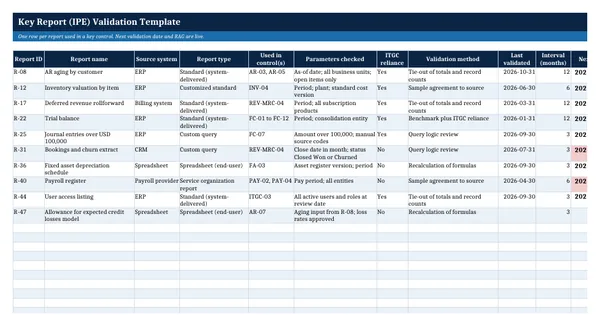
 Excel workbook preview
Key Report (IPE) Validation Template
3 free downloads per account. Just your email and a 6-digit code.
About this template
Key reports, also called information produced by the entity or IPE, are the system reports, queries and spreadsheets that a key control relies on. If an aging report drops invoices, the review that uses it cannot catch a misstatement. Auditors therefore ask management to show how each key report is known to be complete and accurate, and when that was last checked.
The workbook has an inventory of key reports with revalidation dates, a validation worksheet and a summary. The worksheet ties report totals and record counts to the ledger and tests a sample of items back to source, with formulas that recompute each result. The approach mirrors PCAOB AS 1105, which tells auditors to test the accuracy and completeness of company information or the controls over it.
Who it is for
The SOX lead or control owner whose auditor asked how the company knows the reports used in its key controls are complete and accurate.
What is inside
- Inventory of 10 worked key reports and 20 blank formatted rows
- Next validation date by formula and a Red, Amber or Green status per report
- Dropdowns for report type (5), validation method (5), ITGC reliance and result
- Validation worksheet: 4 completeness checks with live differences against tolerance
- Accuracy sample of 10 invoices with recomputed ageing and agree or disagree formulas
- Overall conclusion cell that changes when any check fails
- Summary sheet with counts by result and report type, plus overdue revalidations
- Freeze panes, filters, landscape print fit and a How to use sheet
How to use it
List every report used in a key control on the IPE Inventory sheet, then run the validation worksheet for the highest risk report first.
Files
- XLSXkey-report-validation-template.xlsx15 KB
Opens in Microsoft Word or Excel, Google Docs or Sheets, and LibreOffice. Built on free, official texts that anyone can read: laws, regulations, standards and guidance published by public bodies. A template to adapt, not legal, tax or accounting advice.
Questions about this template
What is IPE in SOX testing?
IPE means information produced by the entity: reports, queries, extracts and spreadsheets created by the company and used in a control or as audit evidence. PCAOB AS 1105 requires the auditor to test the accuracy and completeness of such information, or the controls over it, and to judge whether it is precise and detailed enough.
How often should a key report be validated?
There is no fixed rule. A standard report from a system with effective change and access controls may be validated once and then relied on through those controls. Custom queries and spreadsheets change more often and are usually checked each time they are used or each quarter. The inventory holds a revalidation interval for each report.
What does a completeness and accuracy test look like?
Completeness checks that every record is in the report, for example by tying the total and the record count to the general ledger and the subledger. Accuracy checks that the fields are right, for example by agreeing a sample of items to source documents and recomputing calculated fields such as ageing buckets.