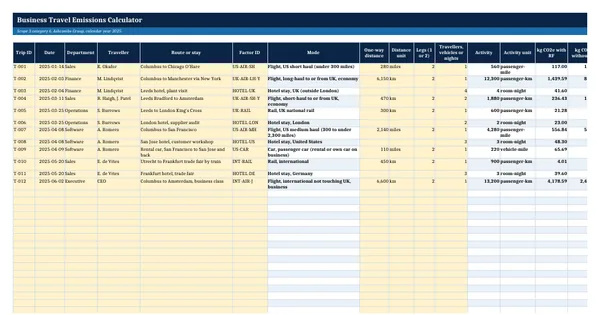
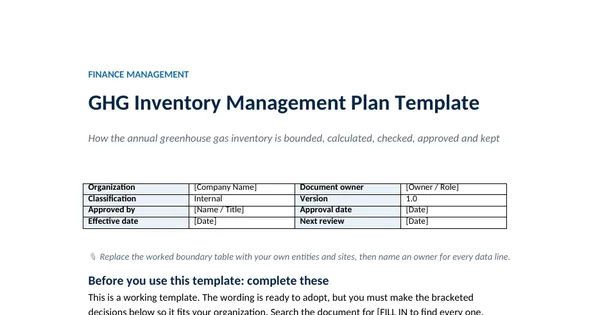
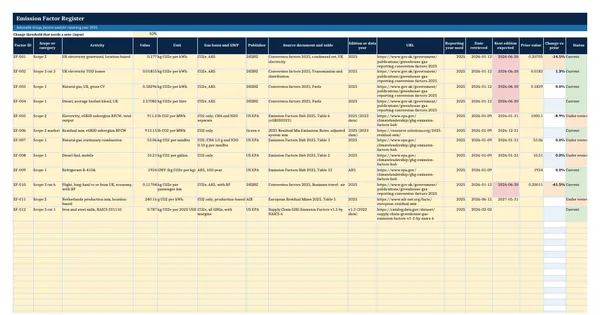
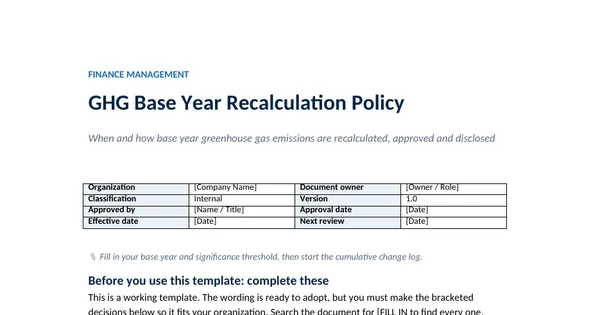
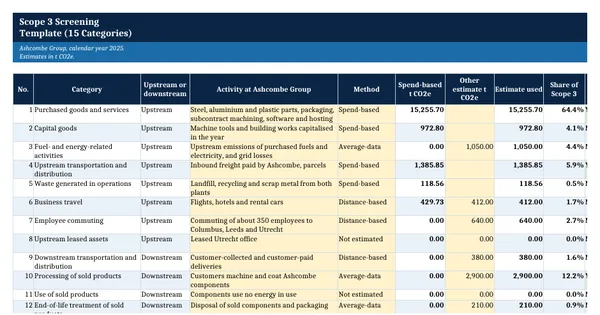
 Excel workbook preview
GHG Protocol carbon accounting
Scope 3 Screening Template (15 Categories)
3 free downloads per account. Just your email and a 6-digit code.
About this template
Scope 3 covers the emissions in an organisation's value chain, from the steel it purchases to the use and disposal of what it sells. The GHG Protocol Scope 3 Standard divides them into 15 categories and requires every exclusion to be disclosed and justified. A screening is the sensible first step: it shows which categories are large or important enough to calculate properly and which can be estimated or excluded.
This workbook screens all 15 categories. Spend-based estimates come from the purchasing ledger multiplied by the US EPA Supply Chain Greenhouse Gas Emission Factors v1.3, which are free and published per NAICS code. Each category is then tested against the seven relevance criteria in Table 6.1 of the Scope 3 Standard, and the treatment and justification are recorded. A summary shows how much of the estimate the included categories cover.
Who it is for
The finance manager whose largest customer asked for Scope 3 emissions and who needs to know which of the 15 categories matter before calculating anything.
What is inside
- Screening sheet covering all 15 Scope 3 categories with upstream and downstream split
- Spend Map with 14 worked GL accounts and 16 blanks, mapped to NAICS factors and categories
- Spend-based estimates from EPA Supply Chain GHG Emission Factors v1.3 (2022 USD)
- Other estimate column that overrides spend data with distance, average or supplier data
- 7 relevance criteria from the Scope 3 Standard, with a size threshold input
- Red flags for relevant categories excluded and exclusions without a justification
- Summary with coverage of estimated Scope 3, relevant and included counts, largest category
How to use it
Fill the Spend Map with your purchasing GL accounts and annual spend first.
Files
- XLSXscope-3-screening-template.xlsx18 KB
Opens in Microsoft Word or Excel, Google Docs or Sheets, and LibreOffice. Built on free, official texts that anyone can read: laws, regulations, standards and guidance published by public bodies. A template to adapt, not legal, tax or accounting advice.
Questions about this template
What are the 15 Scope 3 categories?
Upstream: purchased goods and services, capital goods, fuel- and energy-related activities, upstream transportation and distribution, waste generated in operations, business travel, employee commuting and upstream leased assets. Downstream: downstream transportation and distribution, processing of sold products, use of sold products, end-of-life treatment of sold products, downstream leased assets, franchises and investments.
Is a spend-based Scope 3 estimate good enough?
It is good enough to screen, because it shows where the emissions are likely to be. It is not precise, because it uses industry averages per dollar rather than what a supplier emits. Use it to rank categories, then replace the largest ones with activity data or supplier-specific data as the inventory matures.
Can I exclude a Scope 3 category?
Yes, but the Scope 3 Standard requires you to disclose and justify every exclusion. Categories that do not apply, such as franchises for a company without franchises, are simply not applicable. Small categories that meet no relevance criterion can be excluded with an estimate kept on file and a short reason in the report.