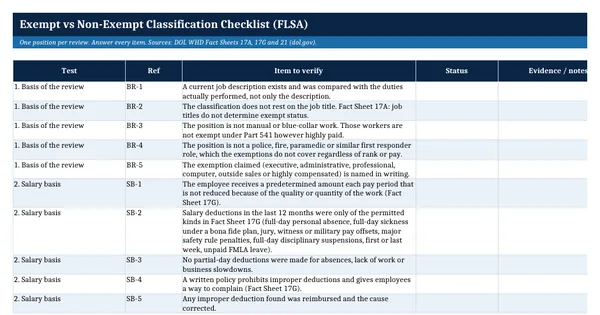
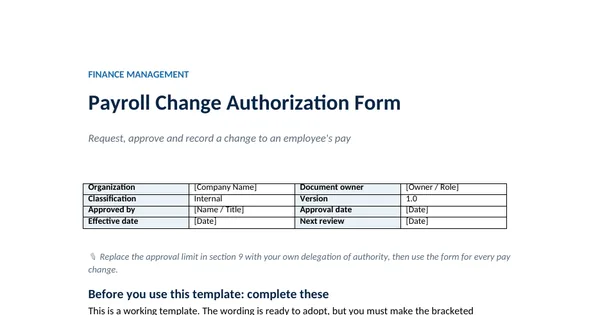
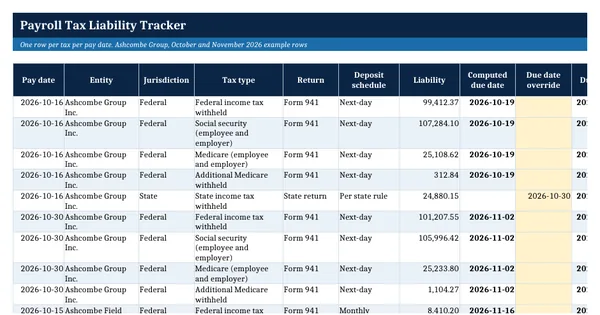
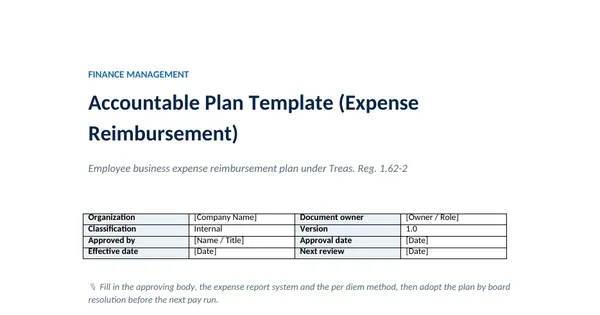
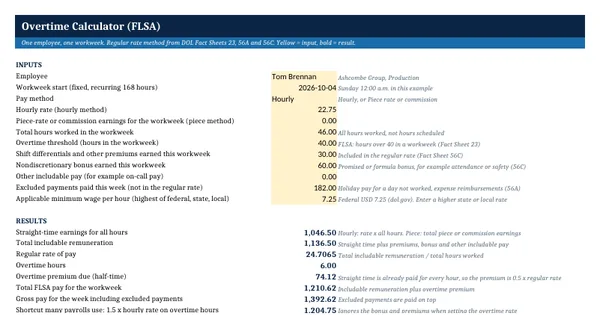
 Excel workbook preview
Overtime Calculator (FLSA)
3 free downloads per account. Just your email and a 6-digit code.
About this template
Overtime under the Fair Labor Standards Act is paid at one and one-half times the regular rate, not the base hourly rate. When a non-exempt employee earns a promised bonus, a shift differential, piece rates or commissions, the regular rate rises and so does the overtime due. Many payrolls miss this, and back pay claims often start here. This calculator shows the correct figure and the shortfall.
The method follows DOL Fact Sheets 23, 56A and 56C: add all includable pay for the workweek, divide by all hours worked, and pay half the regular rate on each hour over 40. A batch sheet handles a whole payroll, and two rows reproduce the worked examples in Fact Sheet 56C. A reference sheet lists which payments the fact sheets include in or exclude from the regular rate.
Who it is for
The payroll manager who must show that overtime on bonuses and shift pay is calculated the way the FLSA requires.
What is inside
- Calculator sheet with 12 inputs and 10 live results for one employee workweek
- Regular rate = includable pay divided by all hours worked, overtime premium at half the regular rate
- Underpayment shown when overtime is paid at 1.5 times the base hourly rate only
- Minimum wage check on the regular rate, with the federal USD 7.25 as the example input
- Weekly batch sheet with 10 worked rows and 20 blank rows, underpayments flagged in red
- Rows that reproduce DOL Fact Sheet 56C Examples A and B as a check on the method
- Pay types sheet listing 14 kinds of payment as included in or excluded from the regular rate
- How this is calculated notes citing DOL Fact Sheets 23, 56A and 56C
How to use it
Type one employee's workweek into the yellow cells on the Calculator sheet and read the bold results.
Files
- XLSXovertime-calculator.xlsx18 KB
Opens in Microsoft Word or Excel, Google Docs or Sheets, and LibreOffice. Built on free, official texts that anyone can read: laws, regulations, standards and guidance published by public bodies. A template to adapt, not legal, tax or accounting advice.
Questions about this template
How is the regular rate of pay calculated?
Add all pay for the workweek that the FLSA does not exclude, such as hourly wages, shift differentials and promised bonuses, and divide by total hours worked. DOL Fact Sheet 56A gives this method. The result can never be lower than the applicable minimum wage, and overtime is then due at one and one-half times that rate.
Do bonuses count toward overtime?
Nondiscretionary bonuses do. DOL Fact Sheet 56C says bonuses that are promised or announced in advance, such as attendance, safety, production or quality bonuses, are included in the regular rate. A discretionary bonus is excluded only when the employer decides both the payment and the amount at its sole discretion near the end of the period.
Why is the overtime premium half the regular rate?
For hourly, piece-rate and commission pay, the straight-time pay for every hour, including the overtime hours, is already in the week's earnings. Only the extra half is still owed for each hour over 40. The calculator adds that premium to the week's includable pay to give the total due under the FLSA.