

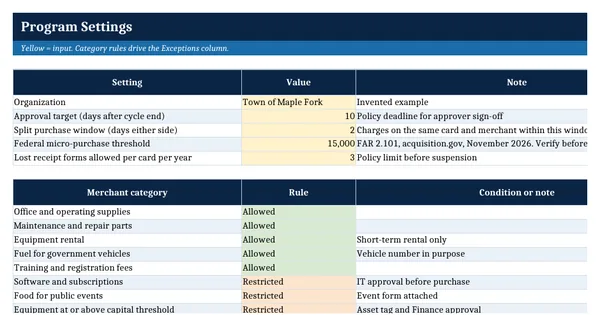
 Excel workbook preview
Purchasing Card (P-Card) Transaction Log
3 free downloads per account. Just your email and a 6-digit code.
About this template
A P-card transaction log is the record a government or nonprofit keeps of every purchasing card transaction: who bought what, from whom, for which account, with which receipt, and who approved it. Auditors test card programs for split purchases, personal or prohibited purchases and missing approvals, and a clean log is the quickest way to show those controls work.
This workbook logs each transaction against a cardholder table with single transaction and cycle limits. One formula column checks ten conditions, including limit breaches, prohibited categories, missing receipts, sales tax charged and possible split purchases. It follows public program practice such as Georgia's statewide P-card policy and 2 CFR 200.320, which allows purchase cards as a payment method for micro-purchases under federal awards.
Who it is for
The P-card program administrator or finance manager who must show the auditor that every card transaction was receipted, approved and checked for misuse.
What is inside
- 5 sheets: How to use, Settings, Cardholders, Transactions, Monthly Summary
- 12 worked transactions for an invented town plus 24 blank formatted rows
- Exception formula that checks 10 conditions, including possible split purchases on the same card and merchant
- Cardholder and single transaction limit looked up from the Cardholders sheet
- 13 merchant categories marked Allowed, Restricted or Prohibited, editable on Settings
- Days to approve after cycle end, red when over the target in Settings
- Monthly Summary per card: spend, limit use, transactions, exceptions and pending approvals
- Exceptions by type count for the program review
How to use it
Enter your cardholders and their limits on the Cardholders sheet, then paste each statement cycle into the Transactions sheet.
Files
- XLSXpurchasing-card-transaction-log.xlsx23 KB
Opens in Microsoft Word or Excel, Google Docs or Sheets, and LibreOffice. Built on free, official texts that anyone can read: laws, regulations, standards and guidance published by public bodies. A template to adapt, not legal, tax or accounting advice.
Questions about this template
How do you detect split purchases on a P-card?
A split purchase is one requirement broken into several charges to stay under the single transaction limit or a bid threshold. This log counts charges on the same card at the same merchant within a set number of days and flags them when their total exceeds the card's single transaction limit. Each flag is then reviewed by a person.
What should a P-card log record for each transaction?
Record the date, card, cardholder, merchant, category, business purpose, amount, account and fund, whether a federal award pays for it, whether an itemized receipt is attached, whether sales tax was charged, the statement cycle and the approval date. Those fields let an approver and an auditor judge each charge without the cardholder present.
Can a P-card be used for purchases under a federal grant?
Yes. 2 CFR 200.320(a)(1)(ii) says purchase cards may be used as a method of payment for micro-purchases. The micro-purchase threshold follows FAR 2.101, which showed $15,000 in November 2026. The Settings sheet holds that value, and the log flags any federal award charge above it.
More Public sector finance templates
Public sector finance
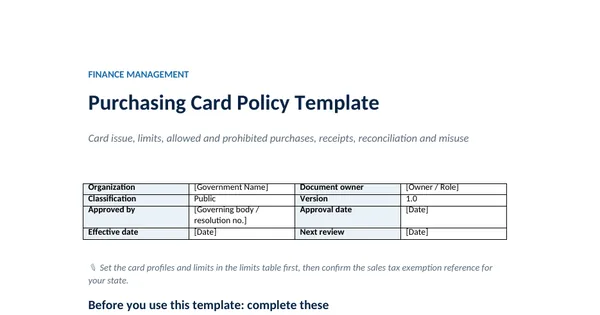
Purchasing Card Policy Template
GAO Yellow Book and Single Audit
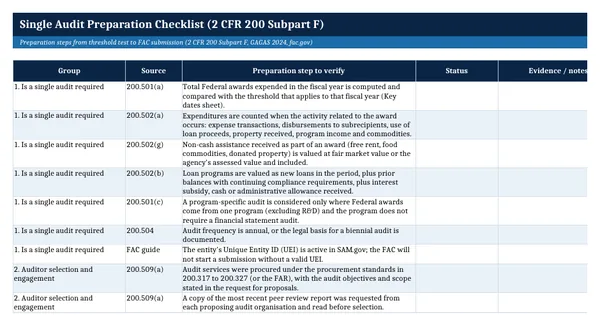
Single Audit Preparation Checklist (2 CFR 200 Subpart F)
GAO Yellow Book and Single Audit
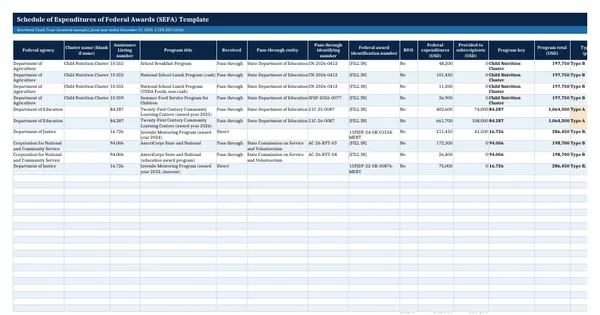
Schedule of Expenditures of Federal Awards (SEFA) Template
GAO Yellow Book and Single Audit