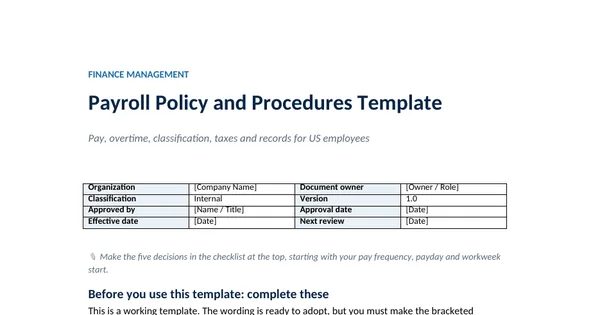
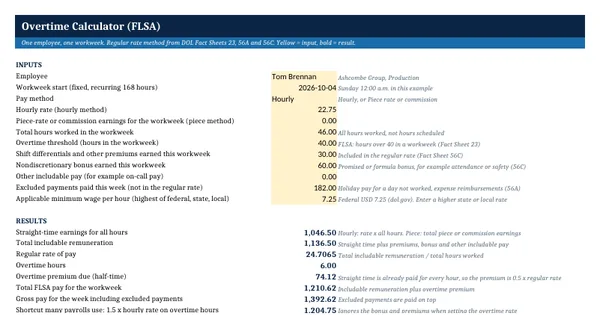
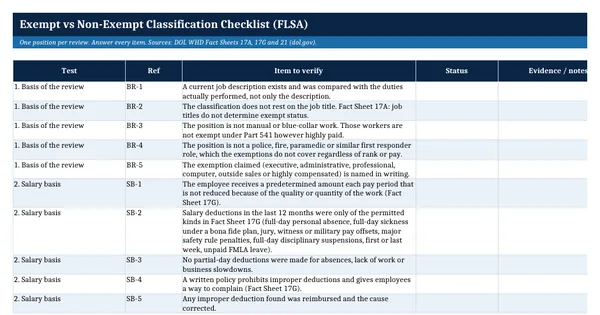
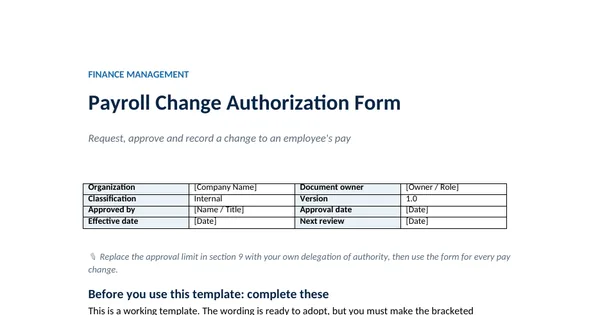
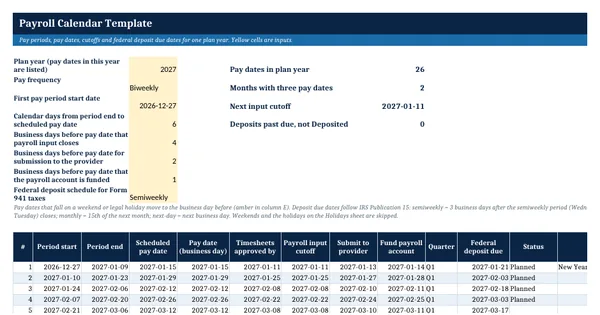
 Excel workbook preview
Payroll Calendar Template
3 free downloads per account. Just your email and a 6-digit code.
About this template
A payroll calendar tells everyone involved in payroll when each period closes, when input is due, when the provider needs the file, when the account must be funded, when people are paid and when the tax deposit is due. A late deposit carries a penalty, so payroll managers build the calendar before the year starts and share it with HR, supervisors and finance.
This workbook builds the year from a few inputs: frequency, first period start, the gap to payday and the lead times your provider needs. Every date skips weekends and the District of Columbia legal holidays that IRS Publication 15 uses for deposits. Deposit dates follow the semiweekly, monthly and next-day rules in Publication 15, and a second sheet lists the year's Form 941, 940, W-2 and FUTA deadlines.
Who it is for
The payroll manager who needs next year's pay dates, cutoffs and federal deposit dates in one schedule for the team and the provider.
What is inside
- Eight inputs drive up to 53 pay periods for weekly, biweekly, semimonthly or monthly payroll
- Pay dates moved to the prior business day when they fall on a weekend or legal holiday
- Timesheet, input cutoff, provider submission and funding dates calculated with WORKDAY
- Federal deposit due date for semiweekly, monthly or next-day depositors, following IRS Publication 15
- Filing deadlines sheet with 13 dated items, days left and red or amber flags
- Pay dates by month sheet that flags months with three pay dates
- Holidays sheet with the 12 legal holidays for 2026 from Publication 15 and 13 dates for 2027 marked verify before use
- Worked example for plan year 2027 with 26 biweekly pay dates
How to use it
Fill the yellow cells D4 to D11 on the Payroll calendar sheet, starting with the plan year and the first pay period start date.
Files
- XLSXpayroll-calendar-template.xlsx23 KB
Opens in Microsoft Word or Excel, Google Docs or Sheets, and LibreOffice. Built on free, official texts that anyone can read: laws, regulations, standards and guidance published by public bodies. A template to adapt, not legal, tax or accounting advice.
Questions about this template
When are semiweekly payroll tax deposits due?
IRS Publication 15 says taxes on wages paid Wednesday, Thursday or Friday are deposited by the following Wednesday, and taxes on wages paid Saturday to Tuesday by the following Friday. You have at least 3 business days after the semiweekly period closes, plus a day for each legal holiday in that window. The calendar applies this rule.
What happens when a payday falls on a holiday?
The calendar moves the pay date to the business day before, so employees are paid early rather than late, and marks the changed date in amber. State law may set its own rules for paydays, so check the states where you have employees. Deposit and filing due dates move to the next business day instead, as Publication 15 provides.
Why do some months have three pay dates?
A biweekly payroll has 26 pay dates in most years, so two months get a third pay date. That matters for monthly budgets, cash planning and benefit deductions that are taken twice a month. The Pay dates by month sheet counts the pay dates in each month and flags the months with three.