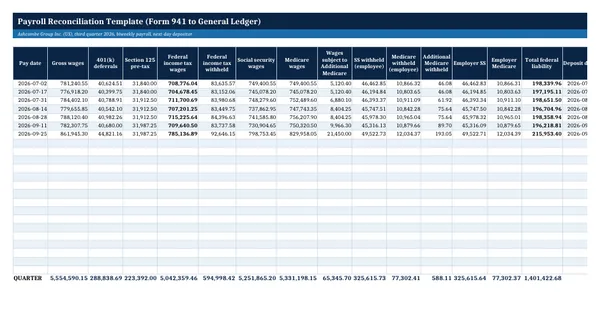
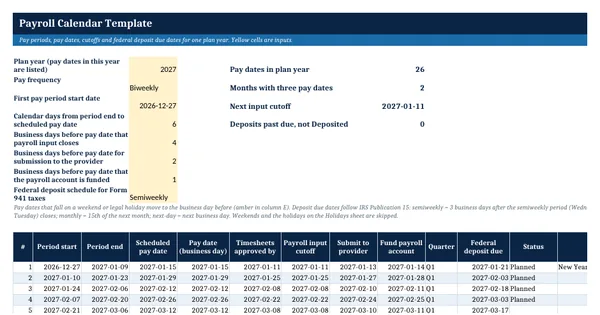
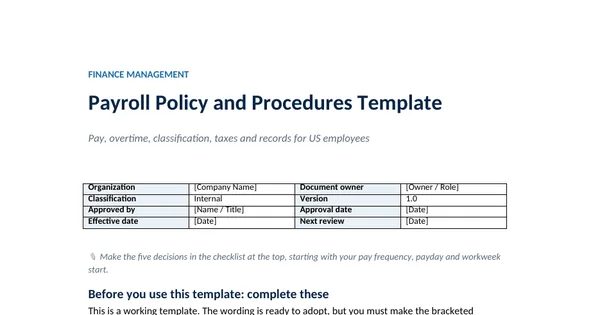
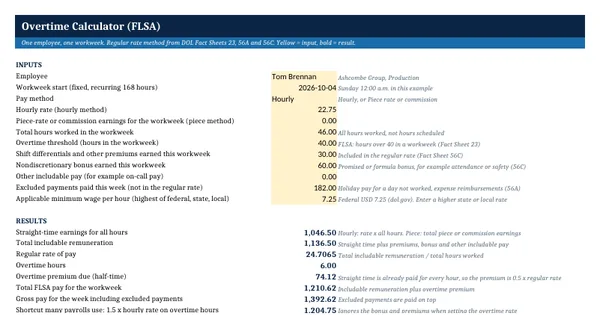
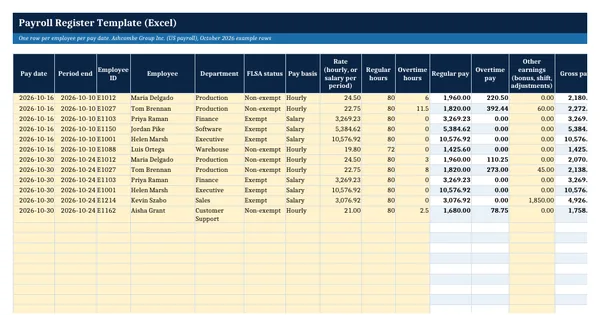
 Excel workbook preview
Payroll Register Template (Excel)
3 free downloads per account. Just your email and a 6-digit code.
About this template
A payroll register is the record of what each employee earned, what was withheld and what was paid on each pay date. Auditors ask for it to test payroll expense, lenders and grantors ask for it to support labor costs, and payroll managers use it to check a provider's run before it is approved. This template gives a US employer a register that calculates gross to net and rolls up into the totals Form 941 needs.
The register has one row per employee per pay date, with formulas for regular pay, overtime at one and one-half times the rate, gross pay, taxable wages, social security, Medicare, Additional Medicare and net pay. Rates and limits sit on a separate sheet with their year and source, taken from IRS Publication 15 (2026). The Summary sheet totals the register by pay date, by quarter and by department, including the employer share of tax.
Who it is for
The controller or payroll manager who was asked by the auditor or the new CFO for a payroll register that ties to Form 941 and the ledger.
What is inside
- Payroll register sheet with 27 columns, 12 worked rows for October 2026 and 20 blank formatted rows
- Live formulas for regular pay, FLSA overtime, gross pay, taxable wages, employee taxes and net pay
- Social security capped at the wage base and Additional Medicare started at USD 200,000 from year-to-date wages
- Rates sheet with 8 inputs, each with its year and source (IRS Publication 15, 2026; DOL Fact Sheet 23)
- Summary sheet with totals by pay date, by quarter for Form 941 lines 2, 3, 5a and 5c, and by department
- Employer social security and Medicare calculated on the Summary sheet
- Dropdowns for FLSA status and pay basis, frozen header, filter and print setup
- How to use sheet that explains the tax treatment of 401(k) and cafeteria plan deductions
How to use it
Check the rates on the Rates sheet first, then enter one row per employee per pay date in the yellow columns.
Files
- XLSXpayroll-register-template.xlsx19 KB
Opens in Microsoft Word or Excel, Google Docs or Sheets, and LibreOffice. Built on free, official texts that anyone can read: laws, regulations, standards and guidance published by public bodies. A template to adapt, not legal, tax or accounting advice.
Questions about this template
What should a payroll register include?
For each employee and pay date it shows hours, rate, regular and overtime pay, other earnings, gross pay, pre-tax deductions, taxable wages, each tax withheld, other deductions and net pay. DOL Fact Sheet 21 lists the payroll records the FLSA requires for non-exempt employees, such as hours worked each day, the regular rate and total wages paid.
Does this register calculate federal income tax withholding?
No. Income tax withholding depends on each employee's Form W-4 and the IRS withholding tables, so the register takes that figure from your payroll provider. It does calculate social security, Medicare and Additional Medicare from the rates on the Rates sheet, capping social security at the wage base you enter for the year.
How do I use the register for Form 941?
Enter the year on the Summary sheet. The quarter table totals federal income tax wages, income tax withheld, social security wages and Medicare wages for each quarter. Compare those figures with Form 941 lines 2, 3, 5a and 5c before you file, and use a payroll reconciliation to explain any difference.