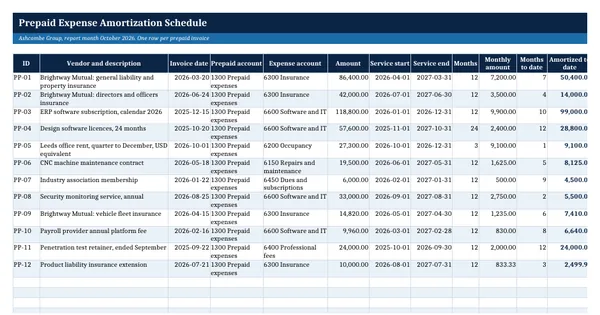
 Excel workbook preview
Prepaid Expense Amortization Schedule
3 free downloads per account. Just your email and a 6-digit code.
About this template
A prepaid expense schedule tracks payments made before the service is received, such as insurance premiums, annual software subscriptions, rent paid in advance and maintenance contracts. Each one sits on the balance sheet as an asset and is expensed over the period it covers. Auditors and reviewers ask for the schedule to see that the prepaid balance is supported and the monthly expense is right.
Each invoice is entered once with its service start and end. Formulas calculate the months, the monthly amount, the expense to date, the remaining balance and this month's charge on a full-month straight-line basis, with the rounding in the last month. A monthly spread covers the fiscal year, and a roll-forward agrees the closing balance to the trial balance. It rests on general accounting practice.
Who it is for
The accountant who has to support the prepaid expenses balance at month end and post the right amortization for insurance, software and rent paid in advance.
What is inside
- Prepaid Register with 12 worked invoices and 16 blank formatted rows
- Months, monthly amount, months to date, amortized to date, remaining balance and this month's expense by formula
- Rounding difference taken in the last month so each item amortizes to exactly its invoice amount
- Monthly Schedule spreading every item over the 12 months of the fiscal year, with monthly and annual totals
- Roll-forward: opening balance, additions, amortization and closing balance against the trial balance
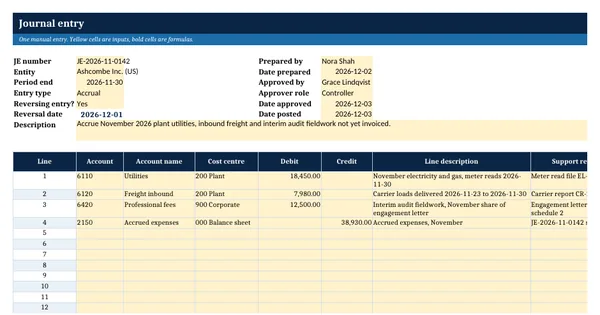
- Journal entry per expense account with a balance check against the roll-forward
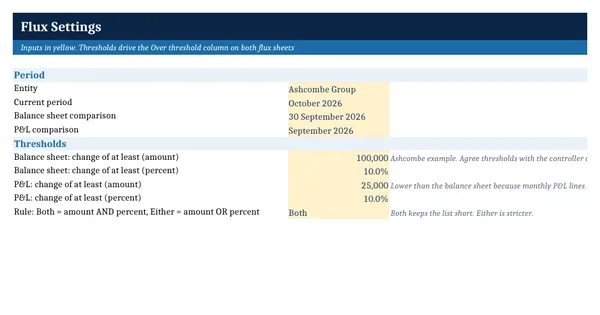
- Settings sheet for report month, fiscal year start, GL balance and expensing threshold
How to use it
Enter the report month end, fiscal year start and the prepaid balance per the trial balance on the Settings sheet.
Files
- XLSXprepaid-expense-amortization-schedule.xlsx23 KB
Opens in Microsoft Word or Excel, Google Docs or Sheets, and LibreOffice. Based on general finance practice, not on one published standard. A template to adapt, not legal, tax or accounting advice.
Questions about this template
How do you calculate prepaid expense amortization?
Divide the amount paid by the number of months the service covers and expense that amount each month. This template uses whole calendar months from the start month to the end month, rounds the monthly amount to cents and puts the rounding difference in the last month, so each item is expensed to exactly its invoice amount.
What counts as a prepaid expense?
Any payment for goods or services you will receive in a later period: insurance premiums, software subscriptions billed annually, rent paid in advance, maintenance contracts and memberships. Many companies set a threshold below which small prepayments are simply expensed when invoiced. The Settings sheet has a cell for your own threshold.
How do I reconcile the prepaid account to the general ledger?
Use the Roll-forward sheet. It takes the closing balance from the schedule, works back to the opening balance through additions and amortization, and compares the closing balance with the prepaid balance you enter from the trial balance. The difference must be zero. A difference usually means an invoice coded to the prepaid account but not on the schedule.